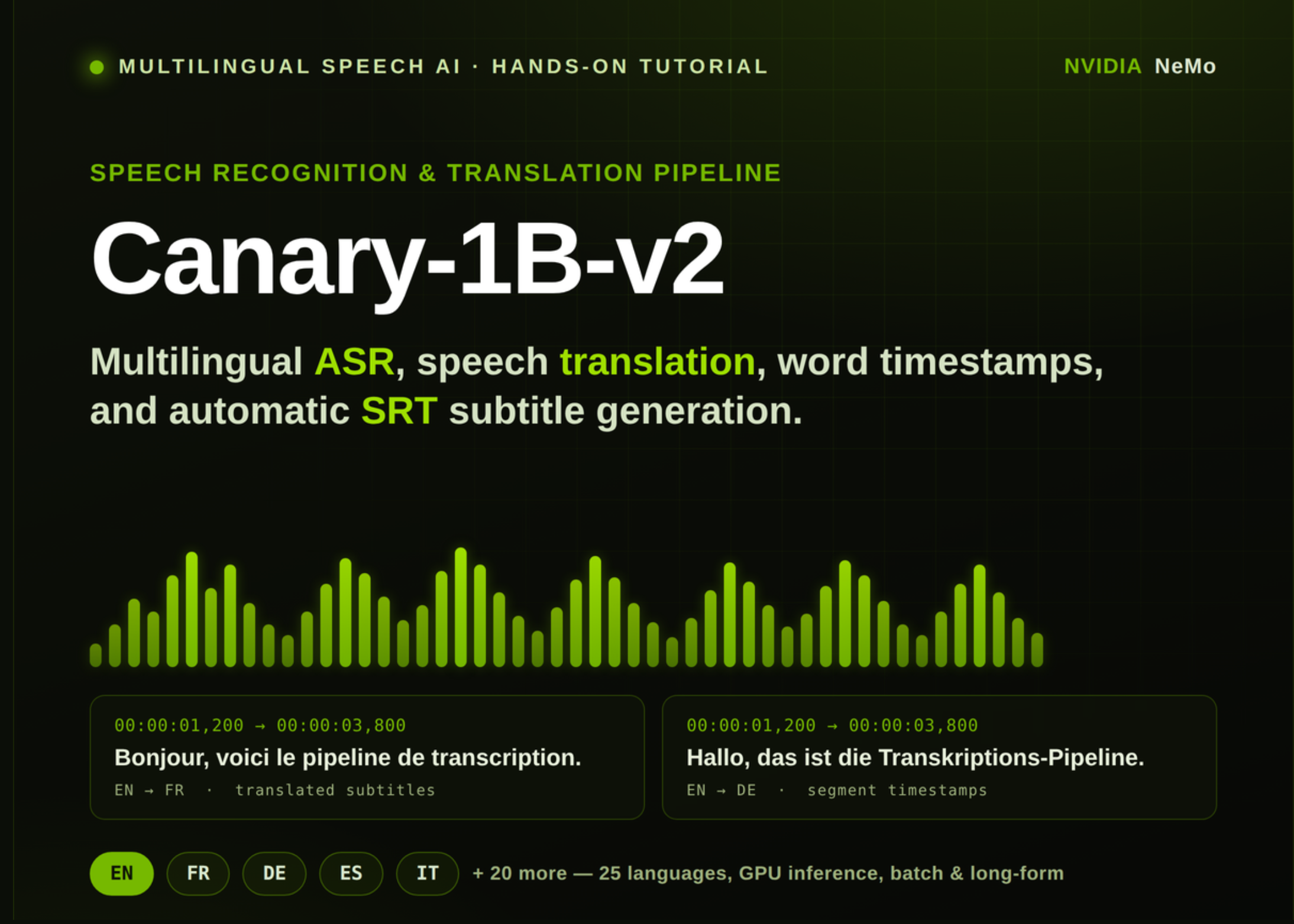
In this tutorial, we build a speech recognition and translation workflow using NVIDIA Canary-1B-v2. We begin by setting up the required audio, NeMo, NumPy, and SciPy dependencies, then load the Canary model on a GPU-enabled runtime for efficient inference. From there, we prepare audio into a clean 16 kHz mono format, perform English ASR, translate speech into multiple languages, generate word and segment timestamps, export translated subtitles as an SRT file, test long-form transcription, run batch processing, and benchmark inference speed. At the end, we have a complete multilingual ASR and speech translation pipeline that we can adapt for real audio files, subtitle generation, and large-scale transcription experiments.
Installing NeMo, Audio Libraries, NumPy, and SciPy Dependencies
import os, subprocess, sys SENTINEL = "https://www.marktechpost.com/content/.canary_setup_done" if not os.path.exists(SENTINEL): def sh(c): print("$", c); subprocess.run(c, shell=True, check=False) print(">>> PHASE 1: installing dependencies (one-time)...n") sh("apt-get -qq update") sh("apt-get -qq install -y libsndfile1 ffmpeg > /dev/null") sh('pip install -q "nemo_toolkit[asr]"') sh("pip install -q librosa soundfile pydub") sh('pip install -q --force-reinstall --no-cache-dir "numpy>=2.2,<2.4" "scipy>=1.15"') open(SENTINEL, "w").write("done") print("n✅ Setup complete. Restarting the runtime now.") print(" When it reconnects, RUN THIS CELL AGAIN to start the tutorial.") os.kill(os.getpid(), 9) We set up the environment for the NVIDIA Canary-1B-v2 tutorial. We install the required system packages, NeMo ASR toolkit, audio libraries, and compatible NumPy and SciPy versions. We then create a setup marker and restart the runtime so that the updated dependencies load cleanly before running the main tutorial.
Loading NVIDIA Canary-1B-v2 and Checking GPU Availability
import time, json, gc, math, urllib.request import torch, numpy as np, soundfile as sf, librosa print(">>> PHASE 2: running tutorialn") print("NumPy:", np.__version__, "| PyTorch:", torch.__version__) print("CUDA available:", torch.cuda.is_available()) if torch.cuda.is_available(): print("GPU:", torch.cuda.get_device_name(0), f"| VRAM: {torch.cuda.get_device_properties(0).total_memory/1e9:.1f} GB") else: print("⚠️ No GPU — will run on CPU (very slow). " "Set Runtime > Change runtime type > GPU.") DEVICE = "cuda" if torch.cuda.is_available() else "cpu" LANGS = { "bg":"Bulgarian","hr":"Croatian","cs":"Czech","da":"Danish","nl":"Dutch", "en":"English","et":"Estonian","fi":"Finnish","fr":"French","de":"German", "el":"Greek","hu":"Hungarian","it":"Italian","lv":"Latvian","lt":"Lithuanian", "mt":"Maltese","pl":"Polish","pt":"Portuguese","ro":"Romanian","sk":"Slovak", "sl":"Slovenian","es":"Spanish","sv":"Swedish","ru":"Russian","uk":"Ukrainian", } print(f"nSupported languages ({len(LANGS)}):", ", ".join(LANGS.keys())) from nemo.collections.asr.models import ASRModel print("nLoading nvidia/canary-1b-v2 ...") t0 = time.time() asr_model = ASRModel.from_pretrained(model_name="nvidia/canary-1b-v2").to(DEVICE).eval() print(f"Model loaded in {time.time()-t0:.1f}s") We import the main libraries and check whether CUDA is available for GPU acceleration. We define the supported language dictionary to enable Canary to handle multilingual ASR and translation tasks. We then load the NVIDIA Canary-1B-v2 model from NeMo and move it to the available device for inference.
Preparing 16 kHz Audio and Running English ASR with Translation
TARGET_SR = 16000 def prepare_audio(path_or_url, out_path=None): if str(path_or_url).startswith(("http://", "https://")): local = "https://www.marktechpost.com/content/_dl_" + os.path.basename(path_or_url.split("?")[0]) urllib.request.urlretrieve(path_or_url, local) path_or_url = local audio, _ = librosa.load(path_or_url, sr=TARGET_SR, mono=True) if out_path is None: base = os.path.splitext(os.path.basename(path_or_url))[0] out_path = f"https://www.marktechpost.com/content/{base}_16k_mono.wav" sf.write(out_path, audio, TARGET_SR, subtype="PCM_16") dur = len(audio) / TARGET_SR print(f"Prepared: {out_path} ({dur:.1f}s, 16kHz, mono)") return out_path, dur SAMPLE_URL = "https://dldata-public.s3.us-east-2.amazonaws.com/2086-149220-0033.wav" sample_wav, sample_dur = prepare_audio(SAMPLE_URL) def transcribe(files, source_lang="en", target_lang="en", timestamps=False, batch_size=1): if isinstance(files, str): files = [files] return asr_model.transcribe(files, source_lang=source_lang, target_lang=target_lang, timestamps=timestamps, batch_size=batch_size) print("n=== 1) BASIC ASR (English) ===") res = transcribe(sample_wav, source_lang="en", target_lang="en") print("Transcript:", res[0].text) print("n=== 2) TRANSLATION (EN audio -> X) ===") for tgt in ["fr", "de", "es", "it"]: out = transcribe(sample_wav, source_lang="en", target_lang=tgt) print(f" EN -> {LANGS[tgt]:<10} ({tgt}): {out[0].text}") We create a reusable audio preparation function that downloads audio when needed and converts it into 16 kHz mono WAV format. We load the sample audio file and define a helper function for transcription and translation. We then run basic English ASR and translate the same English speech into French, German, Spanish, and Italian.
Generating Word and Segment Timestamps and Exporting SRT Subtitles
print("n=== 3) TIMESTAMPS (ASR) ===") ts_out = transcribe(sample_wav, source_lang="en", target_lang="en", timestamps=True) word_ts = ts_out[0].timestamp.get("word", []) seg_ts = ts_out[0].timestamp.get("segment", []) print("Segments:") for s in seg_ts: print(f" [{s['start']:6.2f}s - {s['end']:6.2f}s] {s['segment']}") print("First 10 words:") for w in word_ts[:10]: print(f" [{w['start']:6.2f}s - {w['end']:6.2f}s] {w['word']}") def _srt_time(t): h=int(t//3600); m=int((t%3600)//60); s=int(t%60); ms=int(round((t-int(t))*1000)) return f"{h:02d}:{m:02d}:{s:02d},{ms:03d}" def segments_to_srt(segments, out_path="https://www.marktechpost.com/content/output.srt"): lines=[] for i, seg in enumerate(segments, 1): lines += [str(i), f"{_srt_time(seg['start'])} --> {_srt_time(seg['end'])}", seg["segment"].strip(), ""] open(out_path, "w", encoding="utf-8").write("n".join(lines)) print(f"Saved SRT: {out_path}") return out_path print("n=== 4) SRT EXPORT (translated French subtitles) ===") fr_ts = transcribe(sample_wav, source_lang="en", target_lang="fr", timestamps=True) segments_to_srt(fr_ts[0].timestamp["segment"], "https://www.marktechpost.com/content/subtitles_fr.srt") print(open("https://www.marktechpost.com/content/subtitles_fr.srt").read()) We enable timestamped transcription to extract both segment-level and word-level timing information. We print the transcript segments and the first few word timestamps to inspect how the model aligns text with audio. We also convert translated French segments into an SRT subtitle file and display the generated subtitles.
Running Long-Form Transcription, Batch Processing, and Speed Benchmark
print("n=== 5) LONG-FORM (sample tiled x6) ===") long_audio, _ = librosa.load(sample_wav, sr=TARGET_SR, mono=True) long_audio = np.tile(long_audio, 6) sf.write("https://www.marktechpost.com/content/long.wav", long_audio, TARGET_SR, subtype="PCM_16") print(f"Long clip duration: {len(long_audio)/TARGET_SR:.1f}s") long_out = transcribe("https://www.marktechpost.com/content/long.wav", source_lang="en", target_lang="en", batch_size=1) print("Long transcript (first 300 chars):", long_out[0].text[:300], "...") print("n=== 6) BATCH ===") for name in ["clip_a", "clip_b"]: sf.write(f"https://www.marktechpost.com/content/{name}.wav", librosa.load(sample_wav, sr=TARGET_SR, mono=True)[0], TARGET_SR, subtype="PCM_16") batch = transcribe(["https://www.marktechpost.com/content/clip_a.wav", "https://www.marktechpost.com/content/clip_b.wav"], source_lang="en", target_lang="en", batch_size=2) for i, b in enumerate(batch): print(f" file {i}: {b.text}") print("n=== 7) BENCHMARK ===") t0 = time.time(); _ = transcribe(sample_wav, source_lang="en", target_lang="en") elapsed = time.time()-t0 print(f"Audio: {sample_dur:.2f}s | Compute: {elapsed:.2f}s | RTFx ≈ {sample_dur/elapsed:.1f}x") print("n✅ Done. Change source_lang/target_lang from the LANGS dict to try other languages.") We test long-form transcription by repeating the sample audio several times and passing the longer clip through the model. We also create two duplicate audio clips to demonstrate batch transcription with a batch size of two. Also, we benchmark the model by comparing audio duration with compute time and report the real-time factor speed.
Conclusion
In conclusion, we completed a practical end-to-end workflow for using NVIDIA Canary-1B-v2 as a multilingual ASR and speech translation system. We processed raw audio, generated accurate transcripts, translated speech into different target languages, extracted timestamps, created subtitle files, handled longer audio clips, and compared runtime performance through a simple benchmark. We now have a reusable Colab-ready pipeline that we can extend further with custom uploads, more languages, larger batches, and production-style audio processing.
Check out the Full Codes with Notebook. Also, feel free to follow us on Twitter and don’t forget to join our 150k+ML SubReddit and Subscribe to our Newsletter. Wait! are you on telegram? now you can join us on telegram as well.
Need to partner with us for promoting your GitHub Repo OR Hugging Face Page OR Product Release OR Webinar etc.? Connect with us

Sana Hassan
Sana Hassan, a consulting intern at Marktechpost and dual-degree student at IIT Madras, is passionate about applying technology and AI to address real-world challenges. With a keen interest in solving practical problems, he brings a fresh perspective to the intersection of AI and real-life solutions.