- A new vibe-coded app offers a simple, browser-based office suite
- Each file is ‘saved’ in the code for the URL
- The apps come with a variety of options for sharing links/files
AI vibe coding is now at the stage where these apps and agents can clone big-name software packages just by observing how they work. Now there’s a new web app, apparently written with AI’s help, that puts a simple office suite right in your browser, with no logins or cloud access required.
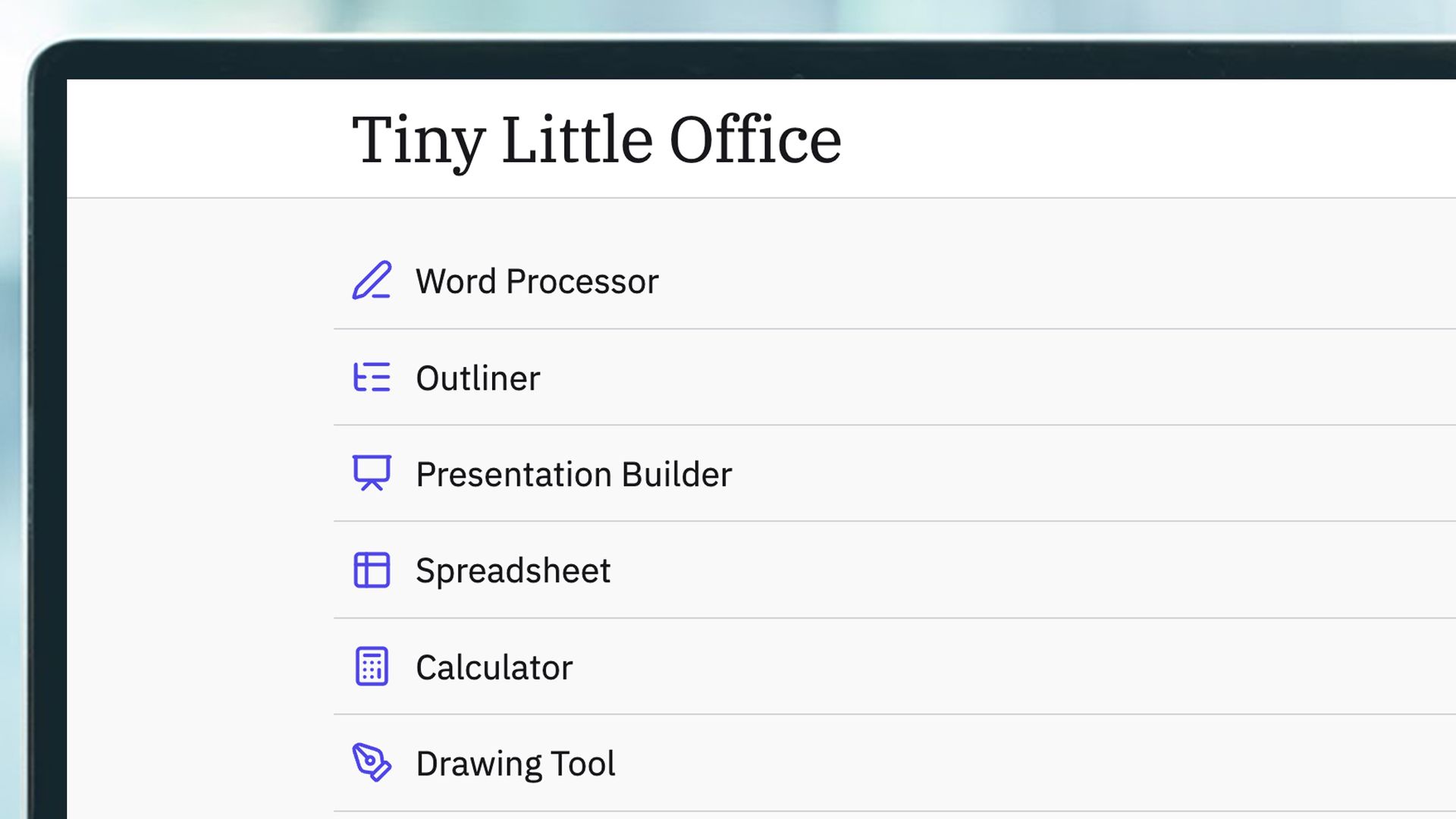
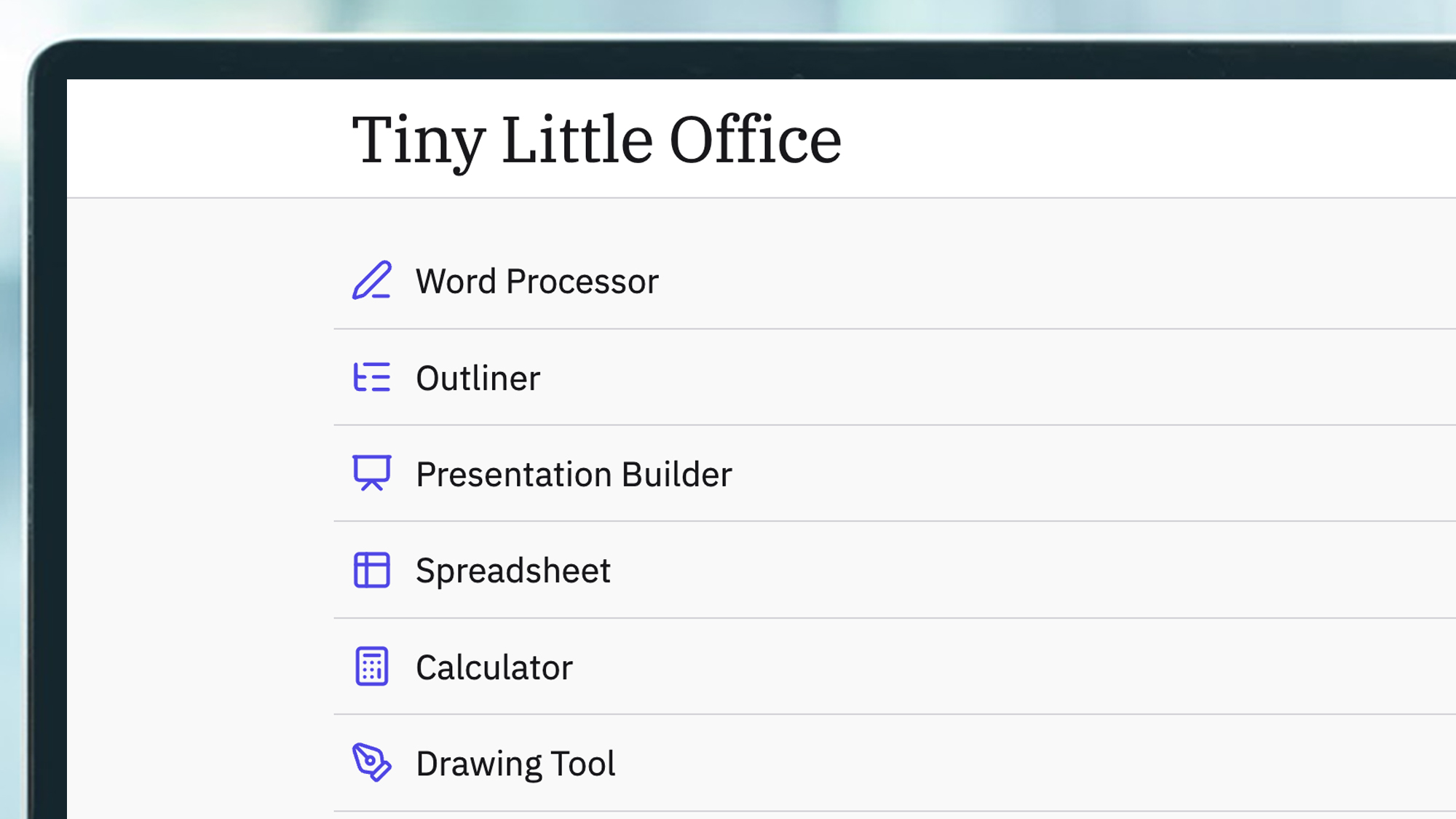
It’s called Tiny Little Office, and it comes from veteran developer and ‘technology thinker’ Paul Ford. There are 10 different components here: word processor, outliner, presentation tool, spreadsheet, calculator, drawing tool, diagram maker, animator, calendar, and trip planner. You can just click around and start working.
There’s one main principle the office suite is built around: the link is the document. Any changes you make to a file are saved as codes in the URL itself, and sharing that URL shares an exact copy of the file. Someone else can take that URL and make their own edits (though they’ll stay local and won’t sync back with yours).
When you share links, they can be protected by passwords, configured as read only, and set to expire after a certain time period (from an hour to a month). For your own use, multiple files can be saved locally in the browser, or you can choose to wipe everything each time you close down the page.
Six years in the making
Introducing Tiny Little Office tinylittleoffice.com?c=xdgpfud#/v…
— @tinylittleoffice.bsky.social (@tinylittleoffice.bsky.social.bsky.social) 2026-10-16T13:08:46.635Z
The story of the project starts six years ago, when Ford’s colleague Rich Ziade built TinySheet, a small ten-line spreadsheet that ran in the browser like Tiny Little Office does now. That was followed by TinyCalendar, but the projects were eventually abandoned, as were the URLs associated with them.
Now the idea is back as a full 10-app suite of products, because “it really is easier to build small than ever before”. Ford says he uses the tool to leave himself notes in Slack, and that “if Signal was an operating system, this could, one day, aspire to be its productivity suite” due to its private, simple approach.
“There are lots of tradeoffs,” adds Ford. “This is not, in any way, how web apps are expected to work. The links can get unwieldy pasted in chat, and you can’t upload video or images, full stop. It’s not collaborative like Google Docs. It’s collaborative like handing out zines at a street fair.”
The Tiny Little Office code is open source and can be viewed and used by anyone, there’s support for LLM agents, and you can also find Tiny Little Office on Bluesky. Quite how much of it was vibe coded isn’t clear, but according to the docs posted by Ford, Claude Code was doing at least some of the work.

Follow TechRadar on Google News and add us as a preferred source to get our expert news, reviews, and opinion in your feeds.