- Geekom has admitted a software driver contained malware
- A LAN driver on a legacy page was hosting the Asruex backdoor
- The malware can track keystrokes, steal passwords, and intercept data
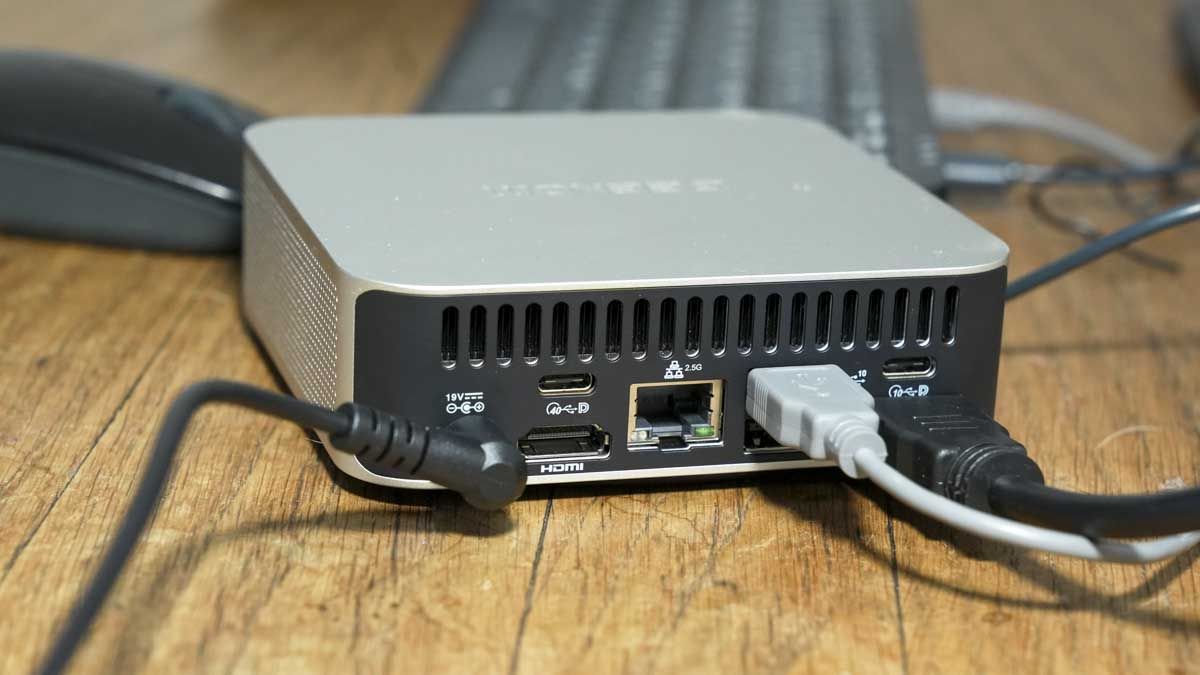
Hardware maker Geekom has admitted that a network driver for multiple mini PC variants hosted Asruex backdoor malware, potentially putting users at risk
The LAN driver for Geekom’s range of A7, A8, AE7, AE8, AX7 Pro and AX8 Pro mini-PCs hosted the malicious package with administrator-level permissions that allowed it to monitor everything you type, steal data, and even swipe passwords from your machine. The malicious software also connects to a command and control (C2) network to send and receive information from hackers.
Geekom has issued an apology and removed the software package in question, but if you have a Geekom mini PC from the aforementioned range and have installed the LAN driver, I’d definitely recommend doing a full system virus scan, with a wipe and reset just to be sure.
Geekom ships malware-riddled LAN driver
Videocardz first broke the story after investigating claims from a Reddit user who reported finding a malicious executable file contained within the LAN driver.
Videocardz then independently investigated the claim using FileScan.IO, MetaDefender VirusTotal, and YARAify. Each antivirus engine detected the executable as malicious.
In Geekom’s statement about the malicious file, the company said that the driver was hosted on a “legacy page [that] had already been replaced and was no longer accessible through the normal Support navigation, although it remained indexed by search engines.”
So when users searched for the LAN driver using Google, the result that came up was the malicious file. I always recommend users install drivers and other software from the official distributor rather than using Google listings as hackers can use tactics such as SEO poisoning or promoted pages to offer dodgy software. But in this case the legacy page was official.
Geekom has confirmed that none of its mini PC range were shipped with the malicious driver preinstalled, so if you haven’t directly downloaded the malicious software from the legacy page, you should be okay. But consider running a Windows Defender scan to be sure.
In order to guarantee that your mini PC is free of the malicious driver, perform a complete wipe and reset of Windows, and install a new Windows image direct from Microsoft’s official page. Going forward, only install software and drivers from the official support pages of the manufacturer.

Follow TechRadar on Google News and add us as a preferred source to get our expert news, reviews, and opinion in your feeds.