PCs without the new certificates could eventually have trouble booting new OSes.
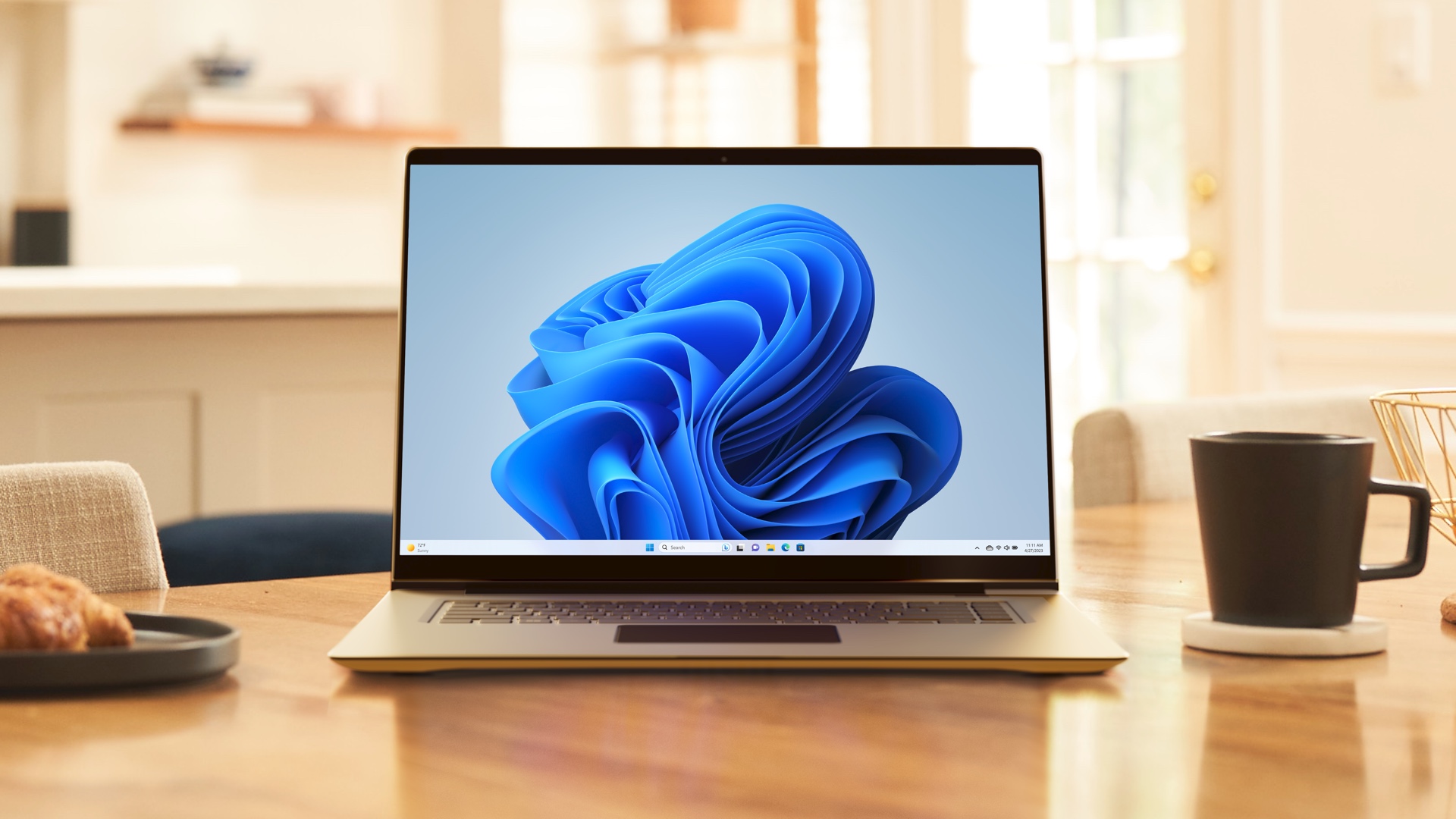
A PC running Windows 11. Credit: Microsoft
A PC running Windows 11. Credit: Microsoft
Windows 8 is remembered most for its oddball touchscreen-focused full-screen Start menu, but it also introduced a number of under-the-hood enhancements to Windows. One of those was UEFI Secure Boot, a mechanism for verifying PC bootloaders to ensure that unverified software can’t be loaded at startup. Secure Boot was enabled but technically optional for Windows 8 and Windows 10, but it became a formal system requirement for installing Windows starting with Windows 11 in 2021.
Secure Boot has relied on the same security certificates to verify bootloaders since 2011, during the development cycle for Windows 8. But those original certificates are set to expire in June and October of this year, something Microsoft is highlighting in a post today.
This certificate expiration date isn’t news—Microsoft and most major PC makers have been talking about it for months or years, and behind-the-scenes work to get the Windows ecosystem ready has been happening for some time. And renewing security certificates is a routine occurrence that most users only notice when something goes wrong.
But the downside is that the certificate expiration may cause problems for PCs that don’t pull down the patches before the June 2026 deadline. While these PCs will continue to function, expired certificates can prevent Microsoft from patching newly discovered Secure Boot vulnerabilities and can also keep those PCs from booting and installing newer operating system versions that use the new 2023-era certificates.
“If a device does not receive the new Secure Boot certificates before the 2011 certificates expire, the PC will continue to function normally, and existing software will keep running,” writes Nuno Costa, a program manager in Microsoft’s Windows Servicing and Delivery division.
“However, the device will enter a degraded security state that limits its ability to receive future boot-level protections. As new boot‐level vulnerabilities are discovered, affected systems become increasingly exposed because they can no longer install new mitigations. Over time, this may also lead to compatibility issues, as newer operating systems, firmware, hardware, or Secure Boot–dependent software may fail to load.”
Making sure you’ve got the new certificates
For most systems, including older ones that aren’t being actively supported by their manufacturers, Microsoft is relying on Windows Update to provide updated certificates. For fully patched, functioning PCs running supported versions of Windows with Secure Boot enabled, the transition should be seamless, and you may in fact already be using the new certificates without realizing it.
This is possible because UEFI-based systems have a small amount of NVRAM that can be used to store variables between boots; generally, Windows and Linux operating systems using LVFS for firmware updates should be able to update any given system’s NVRAM with the new certificates. PCs will only have problems deploying the new certificates if NVRAM is full or fragmented in some way, or if the PC manufacturer is shipping buggy firmware that doesn’t support this kind of update.
As detailed on a Dell support page, the easiest way to see if your PC has the new certificates is to run a PowerShell command that checks the certificate stored in the “active db,” which is the one currently used to boot the PC.
To check this, right-click either the PowerShell or Terminal app and run it as an Administrator, and type ([System.Text.Encoding]::ASCII.GetString((Get-SecureBootUEFI db).bytes) -match 'Windows UEFI CA 2023'). If this command returns “true,” then your PC is using the new certificate, and you’re good to go.
If it returns “false,” here are some steps to enable Windows Update to install the new certificates for you.
- Make sure you’re running a supported version of Windows. For Windows 11, that means version 24H2 or 25H2. For Windows 10, you need to enroll the PC in the Extended Security Updates (ESU) program, which consumers can do for free after jumping through a couple of hoops.
- Make sure Secure Boot is enabled in the BIOS and working properly. To check from within Windows, type Windows + R to open a Run window, type msinfo32, and press Enter. In the msinfo32 app, make sure Secure Boot State is set to “on.”
- Check to see whether there’s a firmware update available for your PC. These may fix bugs preventing the new certificates from being installed.
- Especially for older PCs that originally shipped with Windows 8 or Windows 10, it may help to do a factory reset of your Secure Boot keys from within your PC’s BIOS settings. This can help ensure that there is enough free space in your PC’s NVRAM to store the new certificates.
- If you do this on a system with BitLocker encryption enabled, make sure you have your recovery key handy so you can unlock your drive.
The second thing to check is the “default db,” which shows whether the new Secure Boot certificates are baked into your PC’s firmware. If they are, even resetting Secure Boot settings to the defaults in your PC’s BIOS will still allow you to boot operating systems that use the new certificates.
To check this, open PowerShell or Terminal again and type ([System.Text.Encoding]::ASCII.GetString((Get-SecureBootUEFI dbdefault).bytes) -match 'Windows UEFI CA 2023'). If this command returns “true,” your system is running an updated BIOS with the new Secure Boot certificates built in. Older PCs and systems without a BIOS update installed will return “false” here.
Microsoft’s Costa says that “many newer PCs built since 2024, and almost all the devices shipped in 2025, already include the certificates” and won’t need to be updated at all. And PCs several years older than that may be able to get the certificates via a BIOS update.
In the US, Dell, HP, Lenovo, and Microsoft all have lists of specific systems and firmware versions, while Asus provides more general information about how to get the new certificates via Windows Update, the MyAsus app, or the Asus website. The oldest of the PCs listed generally date back to 2019 or 2020. If your PC shipped with Windows 11 out of the box, there should be a BIOS update with the new certificates available, though that may not be true of every system that meets the requirements for upgrading to Windows 11.
Microsoft encourages home users who can’t install the new certificates to use its customer support services for help. Detailed documentation is also available for IT shops and other large organizations that manage their own updates.
“The Secure Boot certificate update marks a generational refresh of the trust foundation that modern PCs rely on at startup,” writes Costa. “By renewing these certificates, the Windows ecosystem is ensuring that future innovations in hardware, firmware, and operating systems can continue to build on a secure, industry‐aligned boot process.”

Andrew is a Senior Technology Reporter at Ars Technica, with a focus on consumer tech including computer hardware and in-depth reviews of operating systems like Windows and macOS. Andrew lives in Philadelphia and co-hosts a weekly book podcast called Overdue.