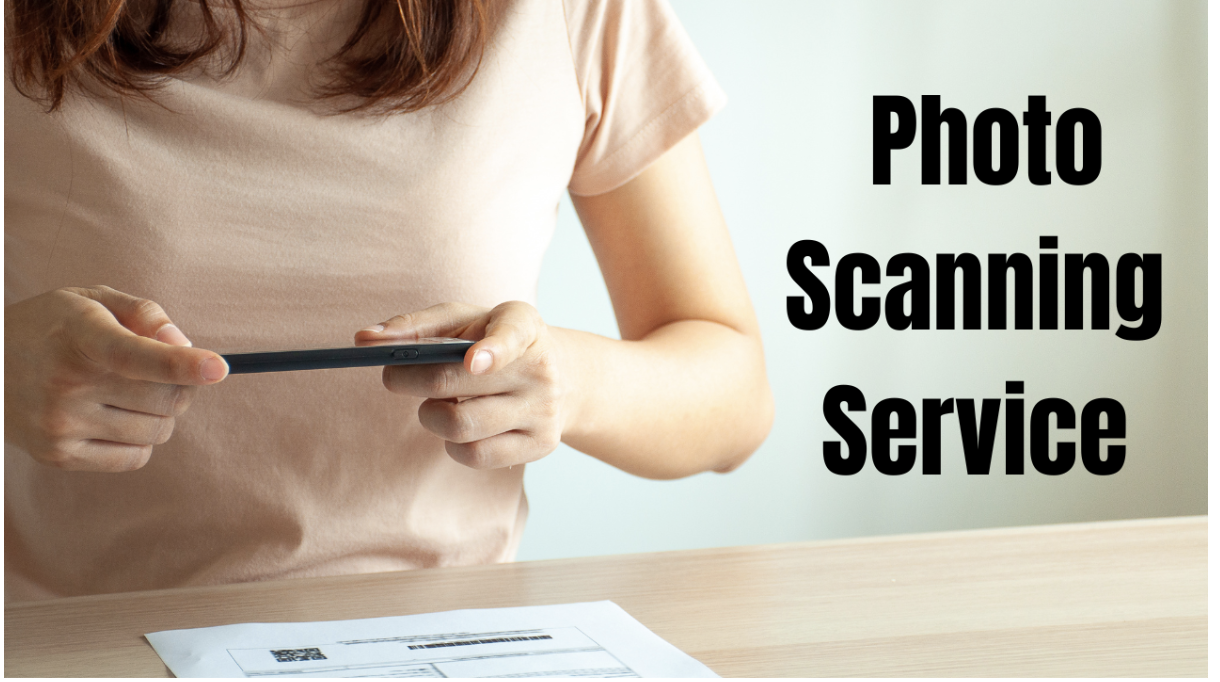
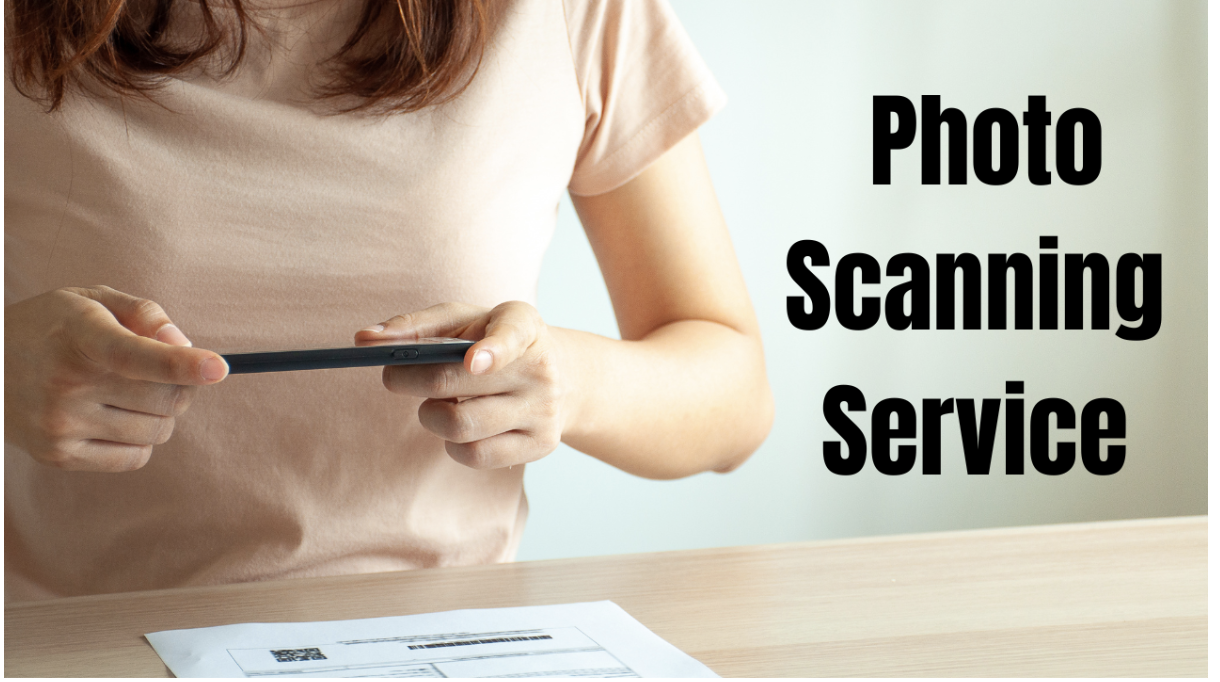
iMemories makes the photo scanning service choice secure, simple, and share-ready.
iMemories
New York City, NY, June 07, 2026 (GLOBE NEWSWIRE) — Old photographs hold family records, milestone events, handwritten dates, wedding albums, childhood memories, and personal histories that become harder to protect with every passing year. Across American households, printed albums and photo boxes often sit in closets, drawers, basements, and storage units where heat, moisture, fading, and accidental damage can reduce their long-term value.
>>>Learn About Photo Scanning Service>>>
We reviewed iMemories as a practical photo scanning service for families that want a secure, structured, and professionally managed way to move old photo collections into digital access.
The brand supports printed photos, slides, negatives, videotapes, and film, while offering a mail-in process, quote review, digital viewing, optional cloud access, downloads, and physical media choices such as USB, DVD, and Blu-ray.
About iMemories- Don’t Waste Time Searching, We Did
iMemories is a memory digitization company built around converting older physical media into formats families can access on modern devices. Customers can use it for photos, slides, negatives, videotapes, and movie films, giving the brand a broader preservation role for households with mixed media stored across albums, envelopes, boxes, and old cases.
From a service review standpoint, iMemories stands out because the process is designed around clarity. Customers can begin online, review photo scanning options, send materials through the SafeShip Kit or provided shipping flow, receive order updates, review the quote, approve payment, and access digitized memories after conversion. This gives customers visibility before committing to final costs.
As a professional photo digitization service, iMemories also supports convenience beyond scanning. Finished files can be accessed digitally, downloaded, shared through the iMemories app, or ordered through physical media formats.
iMemories Photo Scanning At A Glance
| Evaluation Area | iMemories Coverage |
| For | USA families with printed photos, slides, negatives, tapes, and mixed memory collections |
| Order Type | Online order with SafeShip Kit support |
| Photo Support | Printed photos, slides, and negatives |
| Shipping | Protected mail-in process with organized packaging |
| Payment | Quote review before approval and payment |
| Digital Access | Downloads, app access, cloud option, USB, DVD, and Blu-ray |
| Added Value | AI enhancement option and mixed-format digitization |
| Use Case | Preserving family archives without managing DIY scanning |
Market Need And iMemories Service Coverage
The shift from physical storage to digital access is becoming more important for families with decades of printed memories. Older prints can fade, stick to album pages, curl at the edges, or become harder to organize when families move homes or inherit large collections.
Many customers also prefer to scan old photos to digital files because family memories are no longer stored in one place. A digital archive allows relatives in different cities to view the same collection without mailing albums around.
What Customers Can Send To iMemories?
iMemories provides a full photo and memory digitization service for customers who want to convert printed photos to digital without managing the process manually. The service supports standard photo prints and also works with related family-memory formats that often sit alongside old photographs, including slides, negatives, home movies, and film reels.
This broader format support is valuable because most family archives are not perfectly organized. One household may have photo envelopes, slide boxes, loose prints, 35mm negatives, VHS tapes, and film reels from different decades.
How the iMemories Photo Scanning Process Works?
iMemories follows a step-based model that gives customers a clear route from initial order to final delivery.
Step 1: Start The Order Online
Customers begin through the official iMemories offer page, where they can review digitization options and check what types of memories they want to send.
Step 2: Pack Photos And Memories Securely
The SafeShip Kit is designed to make mailing more organized. Customers can place printed photos, slides, negatives, tapes, or film into the kit according to the provided instructions. This is useful for people who want a mail-in photo scanning service without guessing how to package old memories safely.
Step 3: Send The Package For Digitization
After packing the media, customers send the package to iMemories. The service inventories the materials and prepares the order for review.
Step 4: Review The Quote And Approve Payment
Final pricing can depend on photo count, media type, and optional add-ons selected by the customer. Quote review before payment approval gives the order better cost visibility.
Step 5: Receive Digital Access And Originals Back
Once the order is approved and digitized, customers can access their memories digitally and select additional delivery formats when needed. Originals are also returned.
Shipping, Safety, And Trust: Why Safe Handling Matters?
Families often send wedding albums, childhood pictures, inherited family prints, and images that may not exist anywhere else. iMemories strengthens this part of the customer journey through the SafeShip Kit, which is designed for organized packaging and mailing. This supports customers who want safe photo scanning by mail without relying on improvised packaging.
The process also includes order updates, which help customers understand where their materials are in the workflow while originals are away from home.
Turnaround, Delivery, And Order Status Updates
Turnaround visibility is an important part of the decision. iMemories supports this through order updates and a structured review process.
After the package is received, iMemories reviews the submitted media, prepares the order details, and provides a quote before payment approval. Once the order is approved, customers can access converted memories through available digital delivery options, including downloads, cloud access, USB, DVD, or Blu-ray delivery where selected.
Pricing, Payment, And Value Snapshot
- Photo Conversion Pricing: iMemories lists photo digitization at $0.49 per photo, giving customers a clear starting point when planning a family archive project. This pricing is useful for households that want to estimate the cost of scanning loose prints, album photos, or larger family collections before placing an order.
- Additional Media Pricing: For customers sending more than printed photos, iMemories also lists videotape conversion at $14.99 per tape and movie film conversion at $14.99 per 50ft. This gives the service added value for families that want to preserve photos, tapes, and film through one provider instead of using separate vendors for each format.
- Digital And Physical Delivery Options: iMemories allows customers to download their digital masters for free. Customers who want additional access options can choose iMemories Cloud at $7.99/month or $49.99/year, USB delivery starting at $19.99 per 8GB USB, or DVD/Blu-ray delivery at $9.99 per disc.
- Payment And Value Review: The pricing structure supports both smaller photo batches and larger preservation projects. Customers can begin with photo scanning and add delivery formats based on how they want to store, share, or access the final files. For families comparing photo scanning cost per picture, iMemories offers a practical balance of per-photo pricing, digital downloads, app access, and optional physical media choices.
Photo Prints, Slides, And Negatives: Format Coverage That Matters
Many households do not have only printed pictures. Older family collections often include slide carousels, film negatives, photo envelopes, albums, and mixed boxes from different decades.
iMemories supports photo scanning for slides and negatives, which is useful because those formats often hold images that were never printed or were printed only once. Scanning slides and negatives requires more specialized handling than a basic flatbed scan.
Digital Access, App Viewing, Cloud, USB, And DVD Options
The value of photo scanning does not end when the image is converted. iMemories supports that modern access layer through digital downloads, app-based viewing, optional cloud access, and physical media choices.
A photo scanning service with cloud access can be useful for families that want relatives in different locations to view the same memories. USB, DVD, and Blu-ray options add flexibility for customers who prefer offline ownership.
Family Collection Use Cases
- Large Household Archives
iMemories is well suited for a bulk photo scanning service for families because it combines mail-in convenience with support for mixed media.
- Special Family Projects
Customers can send old prints, slides, negatives, and other memory formats through a structured process instead of separating everything into different workflows. This supports family archive projects, reunion planning, anniversary collections, memorial slideshows, inherited albums, and parent or grandparent photo boxes.
iMemories Vs DIY Photo Scanning
DIY scanning can work for a small number of prints. The manual approach becomes demanding when collections include hundreds of photos, slides, negatives, and different media types.
For customers trying to digitize old family photos, the main DIY challenges are time, setup, scan consistency, dust handling, file naming, storage, and backup. Slides and negatives can also require equipment that many households do not already own.
Customers can use the mail-in order flow, review the quote, receive digital access, and get originals returned.
Key Buyer Considerations Before Starting A Photo Scanning Order
iMemories addresses these decision points through a service model built around organized shipping, quote review, digital access, and flexible delivery options.
Important points to review before starting an order include:
· Whether the collection includes only printed photos or also slides, negatives, tapes, or film
· Whether the customer wants digital downloads, app viewing, cloud access, USB, DVD, or Blu-ray
· Whether the order includes older or fragile prints that need careful packaging
· Whether quote review before payment is preferred
· Whether the final collection will be used for family sharing, backup, memorials, or long-term archiving
Who Should Choose iMemories?
iMemories is a strong fit for:
· USA families with old printed photo collections
· Customers with slides, negatives, tapes, or film reels
· People who prefer mail-in service instead of local store visits
· Families that want digital access across devices
· Users who want downloads, cloud options, USB, DVD, or Blu-ray
· Customers who prefer quote review before payment approval
· Households planning reunions, anniversaries, memorials, or archive projects
Features That Make iMemories A Strong Market Choice
iMemories brings together the main features customers usually need when turning older photos into modern digital files. The strongest value is the combination of format support, shipping structure, quote review, and flexible delivery.
Key features include:
· Broad support for photos, slides, negatives, tapes, and film
· SafeShip Kit for organized mail-in handling
· Quote review before final payment approval
· Digital downloads for easy access and file ownership
· App viewing for convenient family sharing
· Optional cloud access for broader storage and viewing
· USB, DVD, and Blu-ray delivery choices
· AI enhancement option for improved digital presentation
· Return of original media after digitization
Conclusion
iMemories gives USA families a practical way to preserve older photographs and related media without managing technical work at home. The service combines printed photo scanning, slide and negative support, SafeShip Kit packaging, quote review, digital downloads, app access, optional cloud storage, and physical delivery choices.
For households with albums, shoeboxes, inherited collections, or mixed media, iMemories offers more than a basic scan. It provides a structured preservation process built around convenience, visibility, and modern access. Based on service structure, format support, shipping convenience, and digital access, iMemories stands out as a strong photo scanning service choice for USA families.
Attachment
CONTACT: service@imemories.com
iMemories
9160 E. Del Camino Drive, Suite B1, Scottsdale, AZ, US, 85258
+1 (800) 845-7986