
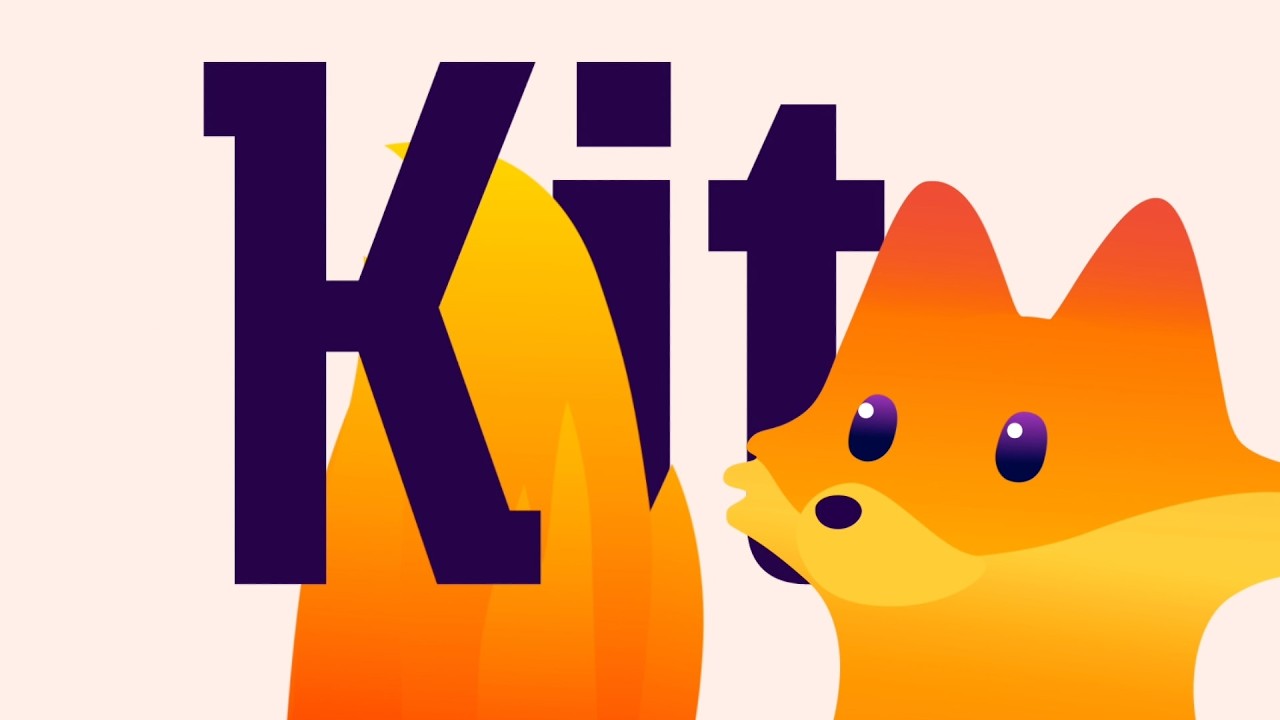
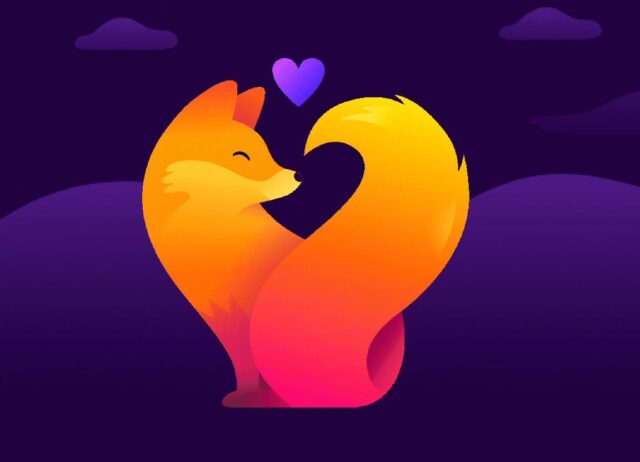
Mozilla has a new mascot – Kit. The company also refers to Kit as being “our crusader”, and “your companion” on the internet, and it is something that will pop up from time to time.
The aim with Ket – a cut foxy character – seems to be to give Firefox a friendly face. Mozilla describes it as being “our way of making our support visible, a companion that brings some warmth and familiarity when you’re browsing with Firefox”. But just what does this mean?
Writing about Kit and other changes in Firefox, Mozilla says: “Firefox is also getting a fresh new look across our website, product and beyond. This includes updated themes, icons, and visual refinements across Firefox, including our toolbars, menus, and the homepage. It also brings usability improvements that make key features easier to access. The changes reflect user feedback and aim to modernize the browser while reinforcing a more distinctly Firefox look and feel. We appreciate the community feedback on the designs. We’ll be sharing more soon”.
The company goes on to say:
You also may have noticed something else showing up in Firefox recently: our new mascot, Kit. Kit is your companion in this new internet era, our way of making Firefox’s support visible and bringing a little warmth and familiarity as you browse.
In a separate blog post about Kit’s design and purpose, Mozilla says:
In Firefox, Kit may appear in moments that are meant to feel welcoming or encouraging: when you’re getting started, discovering a new feature or hitting a small win (like when you’ve successfully made a setting change).
You’ll also see Kit outside the browser, like on our product website, the blog, across social media and in campaigns. If you want, you can set Kit as your new tab wallpaper (bottom right corner: Customize > Firefox). You may even spot Kit in the real world at our community events.
Kit is a companion, not a commentator. They’re not here to deliver punchlines. Kit shows up as a small signal that Firefox is working for you, then steps back so you can keep moving.
The company shares a video to show off Kit and what it is capable of:
You can find out more about Mozilla’s thinking behind Kit, and learn about the design process behind the character in this blogpost.


