
Google has announced details of a series of new AI-powered capabilities coming to Google Vids in the coming days. The company has long-prided the ease-of-use the video editing suite offers, and now it is getting more powerful.
One of the key benefits compared to other tools is that anyone with a Google account is able to generate video clips free of charge using the video generation model, Veo 3.1 – although there are some limitations. In addition to video editing and generation improvements, custom soundtracks can also be created with the Lyria 3 and Lyria 3 Pro models.
Speaking to the accessibility of the video editor, Google says: “As of this week, anyone with a Google account can generate video clips at no cost using our latest video generation model, Veo 3.1. Now you can easily bring your stories to life in a high-quality video clip from just a simple prompt or photo. It’s perfect for creating an animated neighborhood party flyer, mocking up a quick promo for your side-hustle or sending a fun greeting card. All personal accounts now get 10 video generations every month at no cost — and you can always upgrade if you need more”.
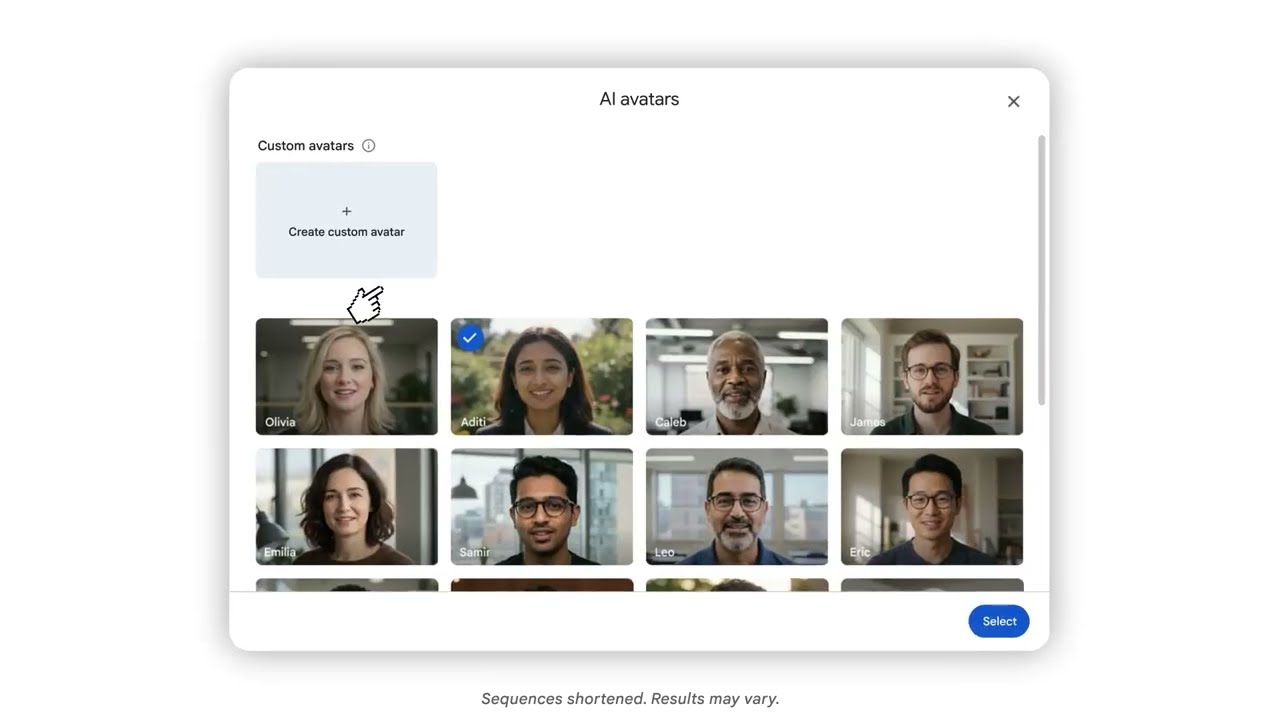
While there is much for users looking for free options to be excited about, anyone opting for a higher, paid-for tier has even more. Something that Google highlights is customizable and directable AI avatars. The company says:
- Direct your avatars: Move beyond static talking heads. Place avatars into specific scenes and have them interact directly with uploaded objects, like a product or a prop, set against custom backdrops. It’s an easy way to create engaging tutorials and standout social content, or bring your passion project to life.
- Customize their look: Tweak the fine details of your avatar’s appearance, swap outfits and change backgrounds to match the exact mood of your video, all while keeping their voice and identity consistent. Whether you’re dressing up an avatar to narrate your latest travel vlog, designing a virtual host for a school project or just creating something fun to share with friends, your avatar can always look the part.
There is also a video showing off these capabilities:
On the audio side of things, Google AI Pro and Ultra subscribers can now generate custom Lyria 3 and Lyria 3 Pro-driven custom soundtracks.
Google also draws attention to other new tools which is has developed to help make life easier:
- Record in your browser with our Chrome extension: With our new Google Vids Screen Recorder Chrome extension, you can quickly record your screen and yourself from anywhere on the web. It brings the Vids recording studio features you already know with you as you browse. No need to navigate to Vids first — just click and start creating.
- Publish finished videos straight to YouTube: Skip the hassle of downloading files and push your creations directly to YouTube right from Vids. The streamlined export process makes publishing completely effortless, and all exports default to Private, giving you the chance to review your videos before sharing them with the world.
You can get started over at vids.new.