

There has long been talk of transforming Android into a desktop operating system, and to some extent this was achieved with ChromeOS. But Google has been working on Desktop Mode for Android to create a more familiar desktop experience.
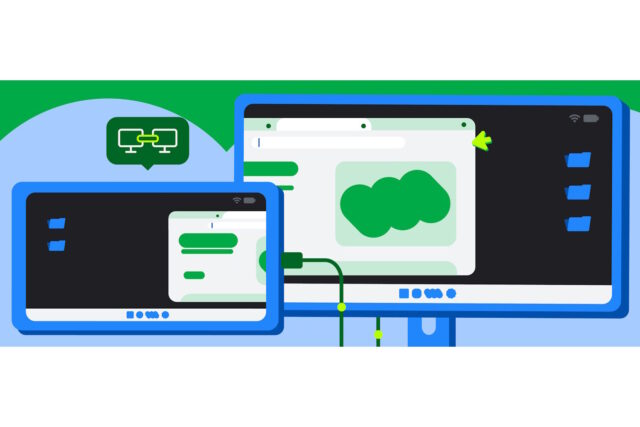
Now the company is giving Pixel owners (as well as some Samsung devices) access to the fruits of its labor, bringing a windowed desktop experience when a compatible device is connected to an external display with a USB-C cable.
Google first demonstrated how the technology works at Google I/O 2025 where the company said that the system allowed users to connect their Android devices to an external monitor and instantly access a desktop windowing environment. This is supposed to be a very different experience to the usual mode of using Android, and Google says that “apps can be used in free-form or maximized windows and users can multitask just like they would on a desktop OS”.
The company goes on to say:
Google and Samsung have collaborated to bring a seamless and powerful desktop windowing experience to devices across the Android ecosystem running Android 16 while connected to an external display.
This is now generally available on supported devices* to users who can connect their supported Pixel and Samsung phones to external monitors, enabling new opportunities for building more engaging and more productive app experiences that adapt across form factors.
Explaining how the system works, Google continues:
When a supported Android phone or foldable is connected to an external display, a new desktop session starts on the connected display.
The experience on the connected display is similar to the experience on a desktop, including a taskbar that shows active apps and lets users pin apps for quick access. Users are able to run multiple apps side by side simultaneously in freely resizable windows on the connected display.
There is a slightly different experience available on some devices as Google explains:
When a device that supports desktop windowing (such as a tablet like the Samsung Galaxy Tab S11) is connected to an external display, the desktop session is extended across both displays, unlocking an even more expansive workspace. The two displays then function as one continuous system, allowing app windows, content, and the cursor to move freely between the displays.
Google has provided quite a lot of technical information in a post to the Android Developer blog, which you can see here. The current list of support devices is: Pixel 8, 9, 10 series and a range of Samsung devices, including S26, Fold7, Flip7, and Tab S11.


