
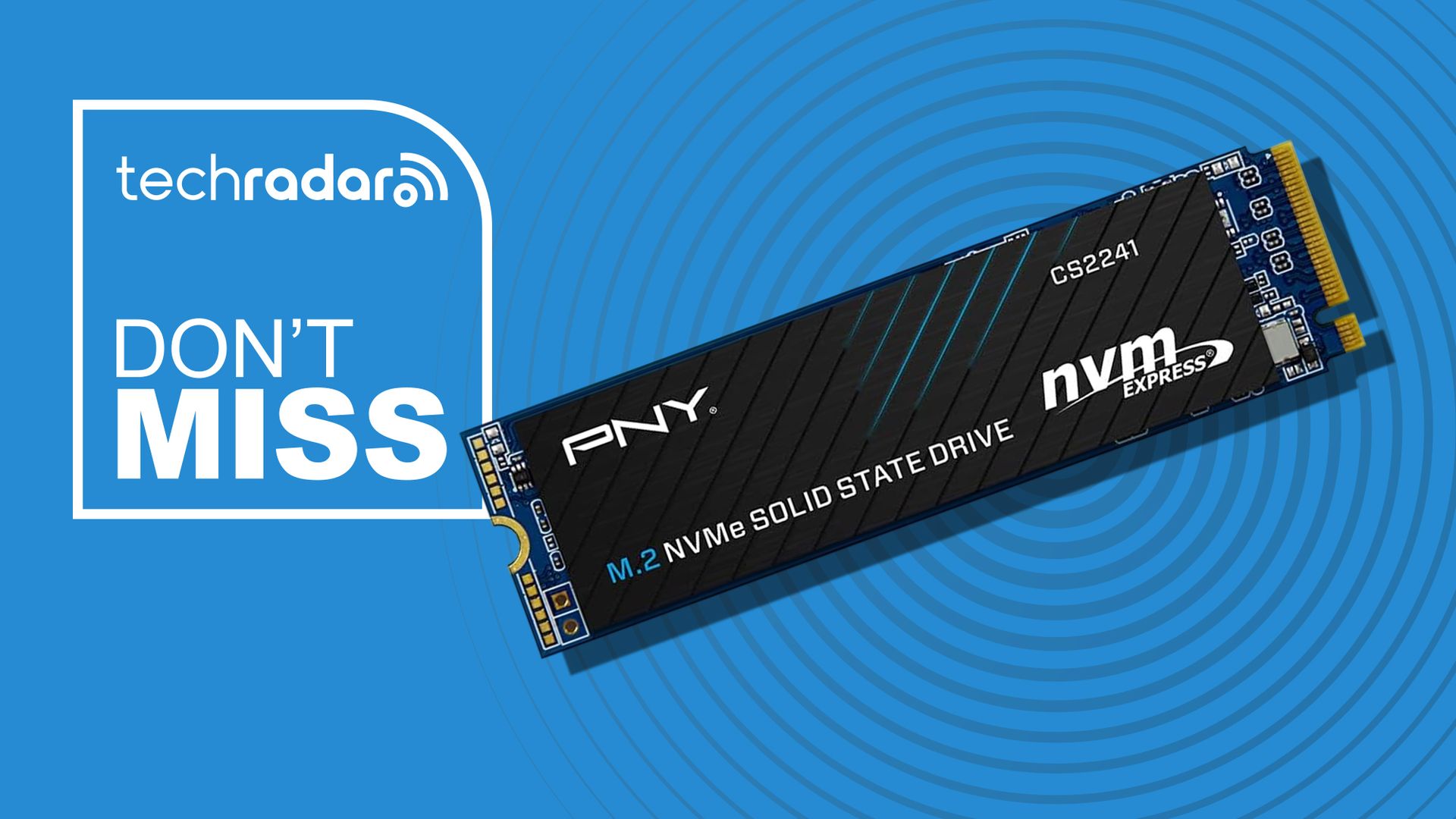
Upgrading an SSD is usually straightforward once you get inside your PC, but moving everything from the old drive can make the job more complicated. PNY’s CS2241 Complete Upgrade Kit addresses that problem by providing the hardware and software needed to transfer your existing data before installing the new drive.
• Best for: Anyone upgrading or replacing an existing laptop/desktop SSD who wants to transfer their files and OS rather than starting over from scratch.
• The deal: The 1TB PNY CS2241 Complete Upgrade Kit is now $136 (was $160) at Amazon.
• Why it matters: Unlike a bare SSD, the package includes a USB 3.2-to-NVMe transfer adapter and Acronis software, giving you the tools required to clone your existing drive before swapping it out.
Today’s best internal SSD deal
Why we recommend it
The CS2241 is a PCIe Gen4 x4 NVMe M.2 2280 SSD capable of sequential read speeds up to 5,100MB/s and sequential writes up to 3,200MB/s. It’s designed for compatible laptops and desktop PCs and can also be used in PCIe Gen3 systems. Actual performance will depend on your computer, configuration, operating system, and applications.
PNY backs the drive with a five-year limited warranty or TBW coverage, along with US-based technical support.
Price context & historical value
Amazon‘s Prime Day price drops the kit from $159.99 to $135.99, knocking $24 off the usual price.
That’s around $0.14 per GB before accounting for the additional value of the adapter and cloning software. Those extras are particularly useful if you plan to replace your computer’s current system drive rather than simply installing it as additional storage.
For more options, take a look at our roundups of the best SSDs and fastest SSDs.
Should you buy it?
✅ Buy PNY’s 1TB SSD if…
If you’re replacing an existing SSD and want a straightforward way to move your current installation onto the new drive. The included adapter and Acronis software offer everything you’ll need for the task.
❌ Skip PNY’s 1TB SSD if…
If your computer doesn’t have a compatible M.2 NVMe slot, or you already own the equipment and software required to clone a drive. If you’re simply adding storage, a bare SSD will make more sense.


