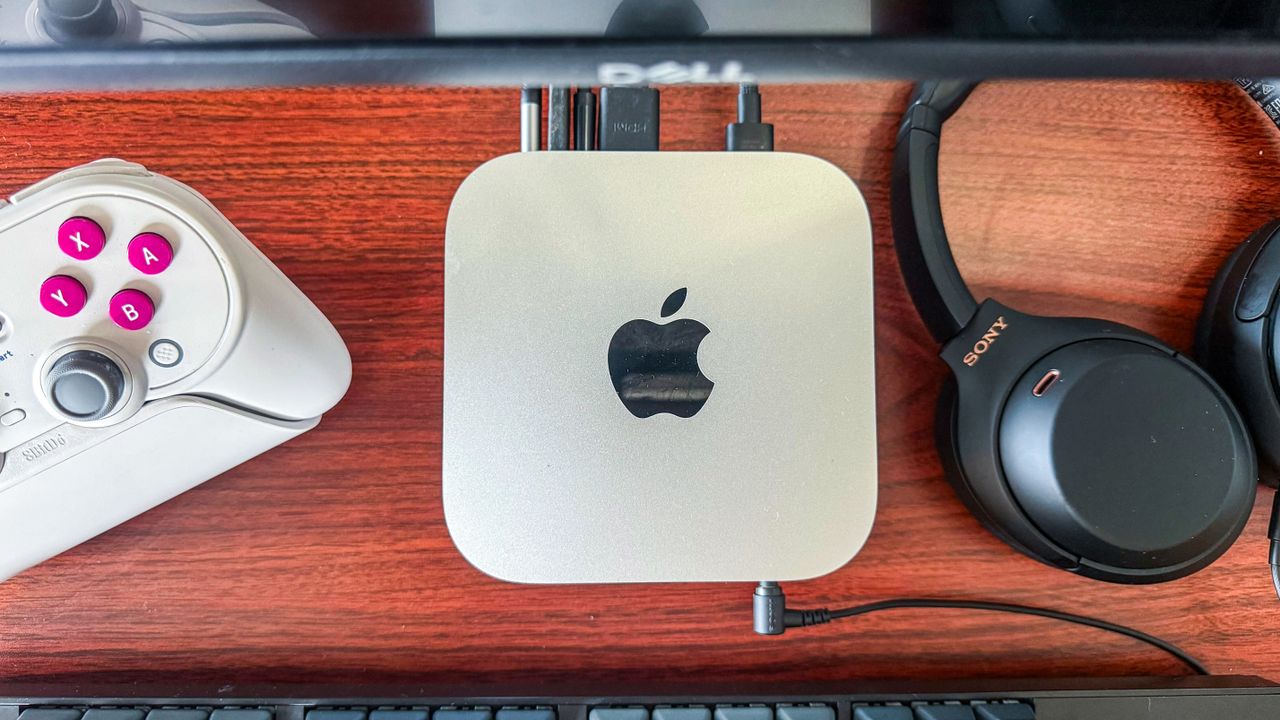
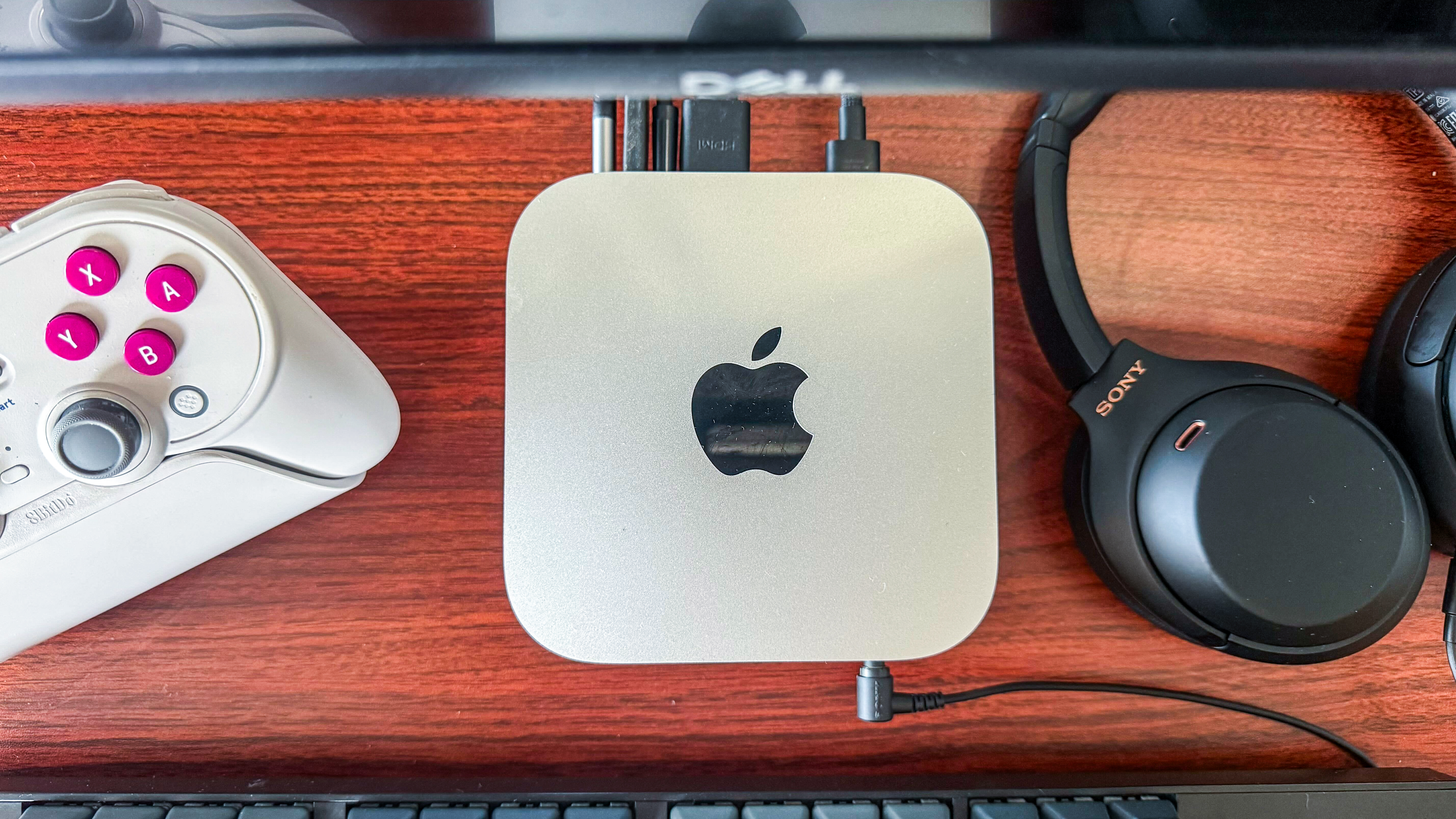
I’ve been a long-time Windows user, going back to when Windows 95 was the operating system of the times. I’ve been through every iteration of Microsoft’s OS since, with Windows XP and Windows 7 being my favorite editions. Moving to Windows 10 was a natural progression when I purchased a Lenovo ThinkPad Carbon X1 in 2018 and used it with no complaints until I upgraded to Windows 11 in 2021 on the same machine.
Windows 11 increasingly became frustrating to use, with the ads on the start menu and the constant push to make me use Edge and OneDrive. AI functionality and Copilot were being suggested just as aggressively, with even the most basic programs like Notepad and File Explorer getting AI buttons.
macOS: On the outside looking in
With the ongoing RAM shortage and other components like storage getting expensive, I was worried that I had made this decision at the wrong time. Thankfully, most laptops and computers with fixed components were still unaffected by these shortages, so prices haven’t gotten out of control just yet. Interestingly, the best deal to me was switching OS and going down the Apple route.
I’d played around with Linux a bit, trying Ubuntu in the 2010s and, while it was fine, I kept retreating to the familiarity of Windows. macOS, on the other hand, felt more user-friendly and suitable as a full-time replacement for Windows.
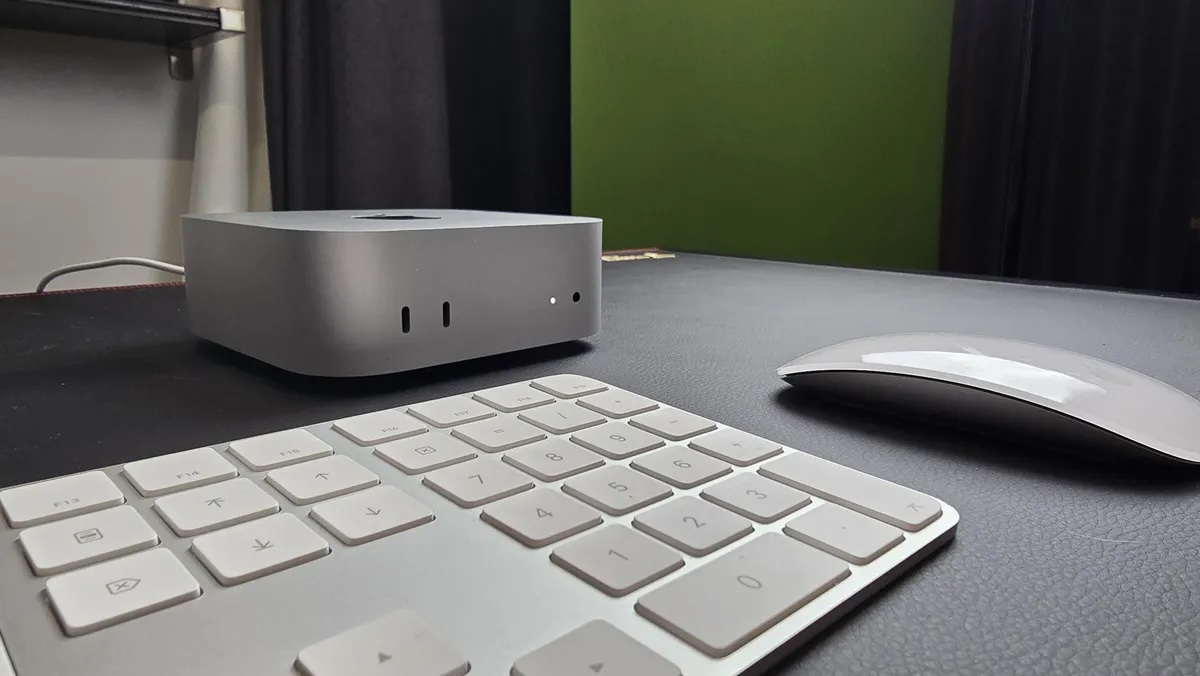
The only reason I never switched earlier is because I felt Macs were overpriced before Apple’s own silicon made them compelling options — and since my Lenovo was still going strong, I erred on the side of monetary caution these last few years.
Gradually, Apple started to bump the RAM of its base-model Macs from 8GB to 16GB while retaining the same price. And that’s when the M4 Mac mini became a standout with its starting price of $599 / £599 / AU$999, making it hard for most PCs to beat in terms of the same computing power.
The base configuration with 16GB RAM and 256GB of storage was enough for my personal needs, and I finally made the switch to macOS.
Easy, quick setup, but still a learning journey
Apple makes getting set up on a Mac device very easy — I was only asked to sign in to my Apple ID, which is optional if you don’t have one or don’t want to create a new account.
In comparison, a fresh Windows install mandates a Microsoft account during setup, and you need to be connected to the internet to move to the next steps (or employ some increasingly locked-down workarounds). I’d previously even get rid of some bloatware like the Xbox app and Clipchamp, some apps even requiring third-party software to remove.
A fresh Mac install, on the other hand, has a comparatively clean and streamlined experience.
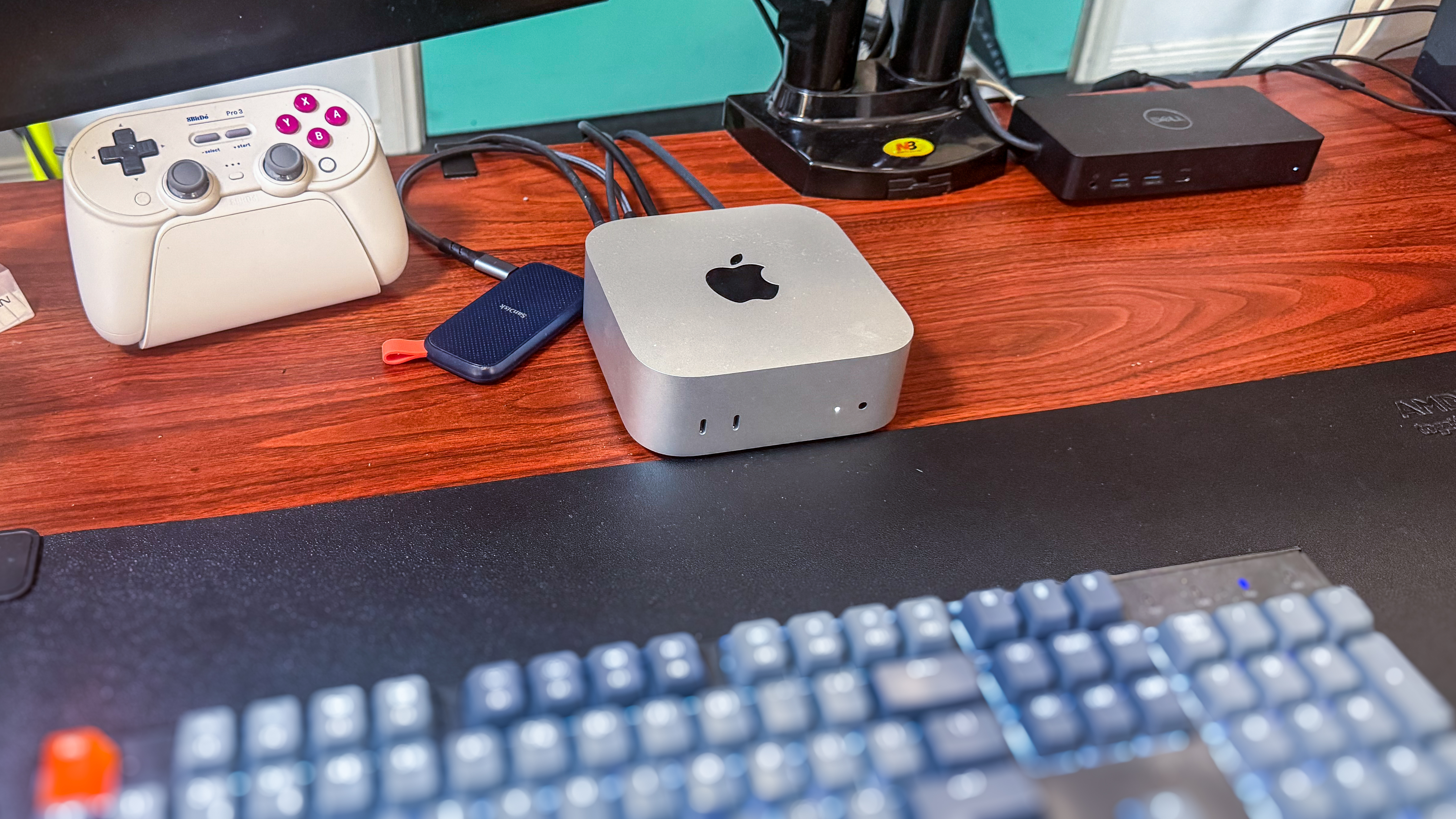
I’m not a complete beginner with macOS, but I’m still finding my feet — it’s a bit of an adjustment coming over from Windows and I haven’t quite memorized all the keyboard shortcuts yet. I’m also still getting my head around all the menus.
The overall experience, however, is such a massive improvement from Windows 11 — everything just works, and not a single ad or upsell to distract me.
Now, macOS isn’t perfect, and I agree with my colleague Matt when he says Windows has a better clipboard (the built-in Clipboard Paste feature is sorely missed), and snapping two separate windows to either edge of the screen to have them take both halves of the screen equally still works more effortlessly on Windows.
And yes, it has to be said that gaming is still much better on Windows than on a Mac, even though it’s getting better now.
But can it run Crysis?
Gaming was not top of mind when I decided to get the M4 Mac mini, so I wasn’t too fussed when I found that a lot of the games I used to play aren’t natively supported on macOS. There are plenty of workarounds, including a third-party program called Crossover, to allow Windows-only games to run on Macs, but I don’t feel the need to buy it just yet.
There are still a lot of titles in my Steam library that run on macOS natively — from less-demanding games like Stardew Valley to some graphically-intensive ones like No Man’s Sky. I was happy to hit anywhere between 40-60 frames per second as my monitors only have a 60Hz refresh rate and, for the most part, the M4 Mac mini can easily hit that mark with most of my games (albeit with some resolution adjustments).
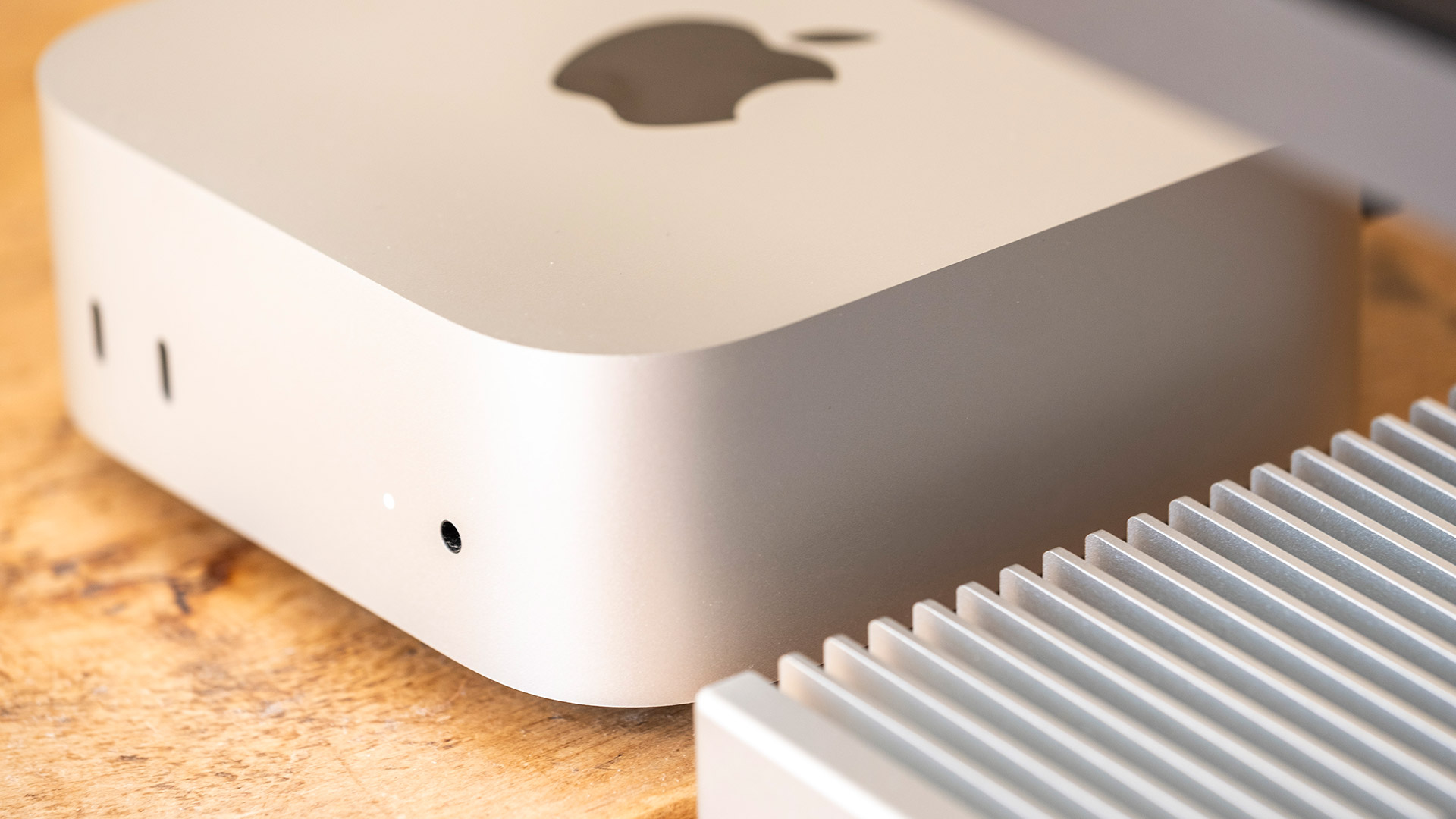
Getting the upgraded M4 Mac mini can yield better results than that if gaming is a key criterion when choosing a new Mac. If you’re curious about what games can run well on this machine, MacGamingDB has user-reported benchmarks on a range of titles tested across all of the M-series Macs.
And yes, the M4 Mac mini can run Crysis, but only through Crossover.
The best deal in computing amidst this RAM crisis?
I live in Australia where the M4 Mac mini is still in stock at several retailers, but reports suggest it’s starting to sell out in some regions.
In any case, the M4 Mac mini still hasn’t received a price increase from Apple, and the RAM and storage upgrade costs remain unchanged — well, at least for now — making it a competitively priced option.
My experience with the M4 Mac mini has been very positive — snappy performance, a cleaner user interface, seamless integration with my iPhone 16 Pro Max, Apple TV and iPad mini (6th Gen), plus it’s a surprisingly capable gaming machine too. It’s definitely money well spent.
Follow TechRadar on Google News and add us as a preferred source to get our expert news, reviews, and opinion in your feeds. Make sure to click the Follow button!
And of course, you can also follow TechRadar on YouTube and TikTok for news, reviews, unboxings in video form, and get regular updates from us on WhatsApp too.
” data-join-the-conversation-text=”Join the Conversation”>
You must confirm your public display name before commenting
Please logout and then login again, you will then be prompted to enter your display name.