Like many PC gamers, I’ve been following the ongoing RAM crisis with despair. With memory becoming highly sought-after, prices have been steadily climbing, meaning that some of the most affordable ways to upgrade your PC – namely by upgrading the RAM or increasing the storage of your device – are no longer affordable.
Don’t give up hope, however. Until memory prices stabilize, and hopefully drop, there are plenty of other ways to upgrade your PC without spending a small fortune. It’s a mark of the strange times we’re in that buying a new monitor is now more affordable than upgrading your RAM.
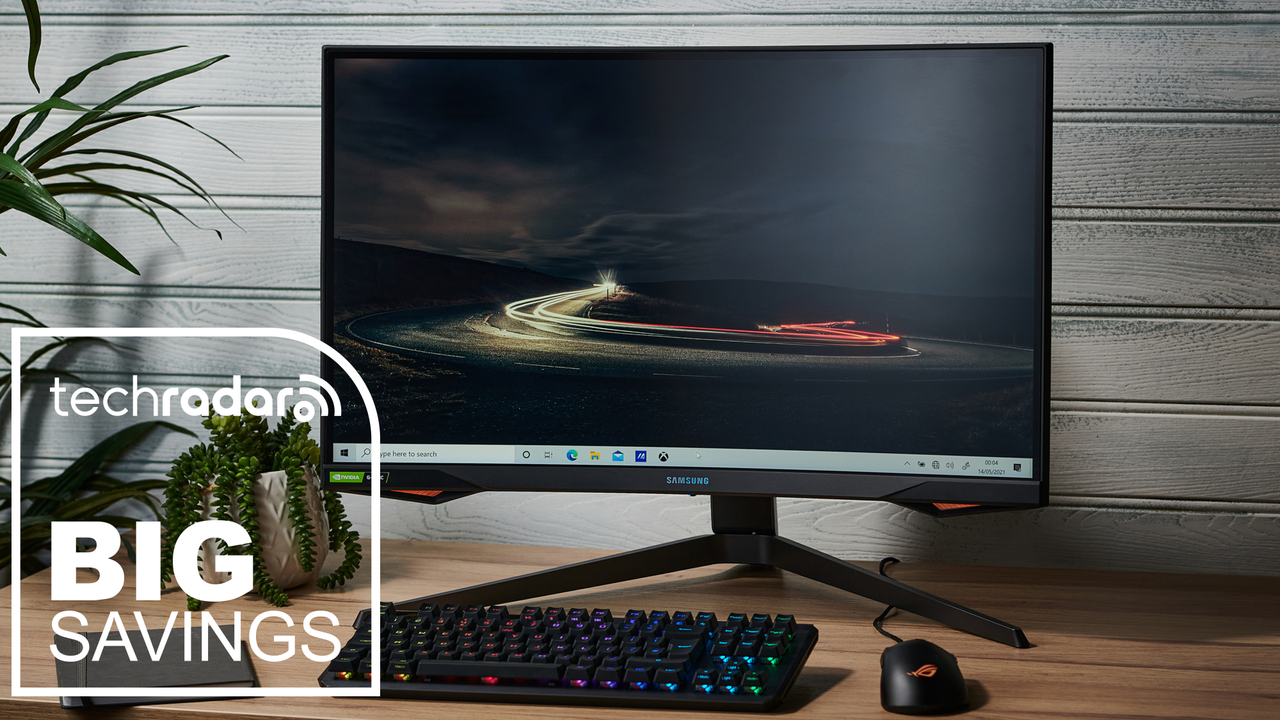
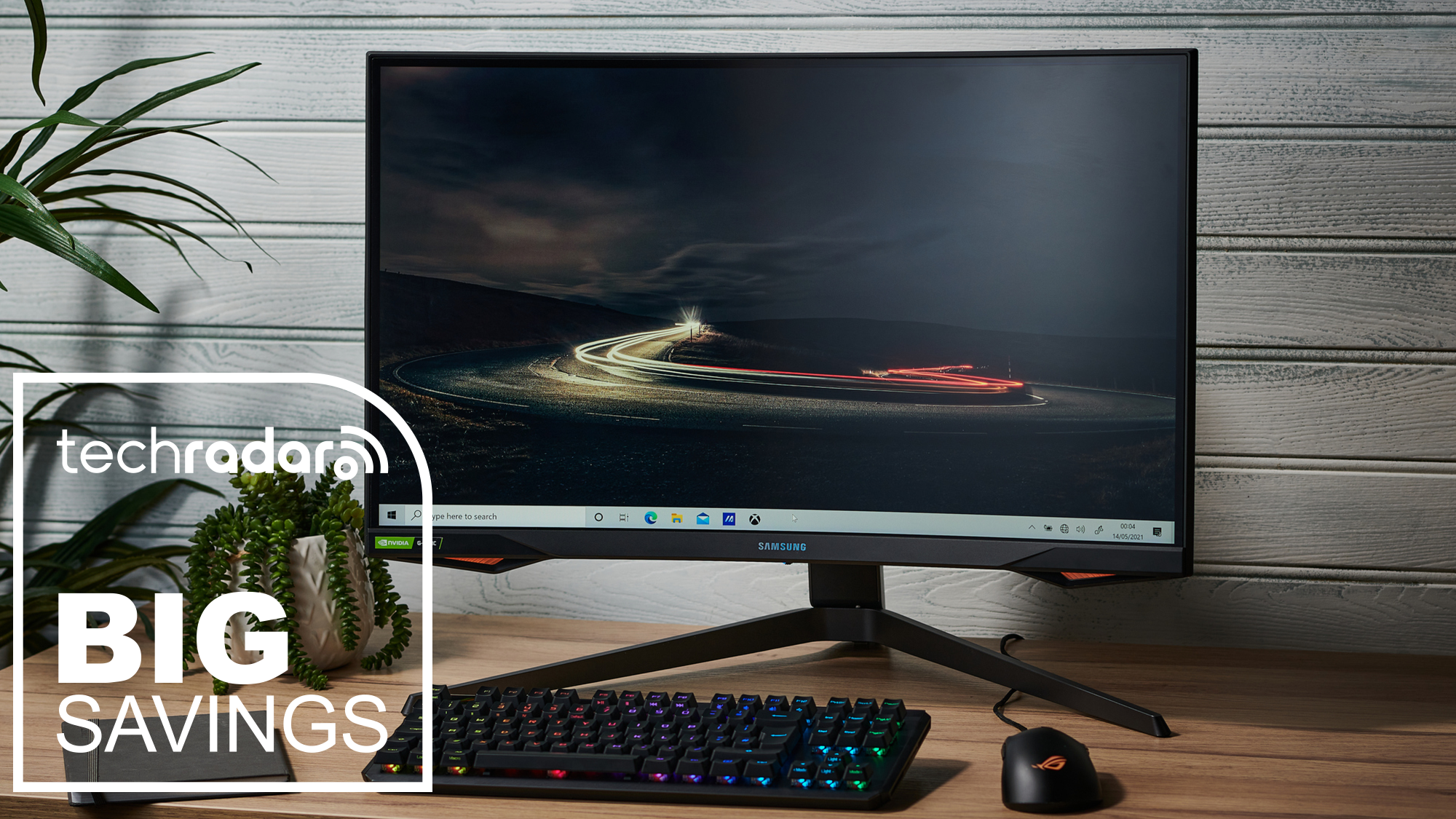
Buying a new monitor is one of the most impactful and easy upgrades you can make. It’s impactful as a monitor is essential for any PC setup, and it’s the thing you’ll be looking at the most when using your device. By investing in a larger monitor – one with a higher resolution, or improved tech behind the screen – you’ll instantly see the benefits.
This is also an easy upgrade to make, as you don’t need to open up your PC to install a monitor – just plug it into your PC’s graphics card or integrated graphics and you’re done! This also applies to laptops, as connecting one to a monitor can give you much more space to work, or a more immersive user experience. If you’re replacing your monitor, you don’t need to throw it away, as you could always try a multi-monitor setup for even better productivity.
Today’s best monitor deals
More of today’s best Presidents’ Day sales
- Amazon: 45% off TVs, AirPods, air fryers & vacuums
- Apple: iPads, AirPods & MacBooks from $99
- Best Buy: $1,000 off TVs, laptops & headphones
- Dell: laptop deals from $249.99
- Home Depot: 40% off appliances, furniture, grills & tools
- Lenovo: 45% off laptops & tablets
- Lowe’s: up to 40% off appliances, furniture & tools
- Samsung: up to $2,000 off appliances, TVs & phones
- Target: 40% off clothing, tech & furniture
- Walmart: furniture, cheap TVs & vacs from $69
- Wayfair: 54% off furniture, rugs & decor
” data-join-the-conversation-text=”Join the Conversation”>
You must confirm your public display name before commenting
Please logout and then login again, you will then be prompted to enter your display name.